Organization Tips · 4 min read
How to build a household management binder you will use
Build a household management binder around the questions you repeatedly need answered: who services something, which model or part it uses, what changed, and when work was done. Keep four simple sections, link documents to the right belonging, and use an existing calendar for future tasks. Paper, digital, and hybrid formats can all work.
This guide is for home reference information that currently lives in drawers, downloads, and message threads. You will create a small operational hub while keeping sensitive emergency records and credentials separately protected.
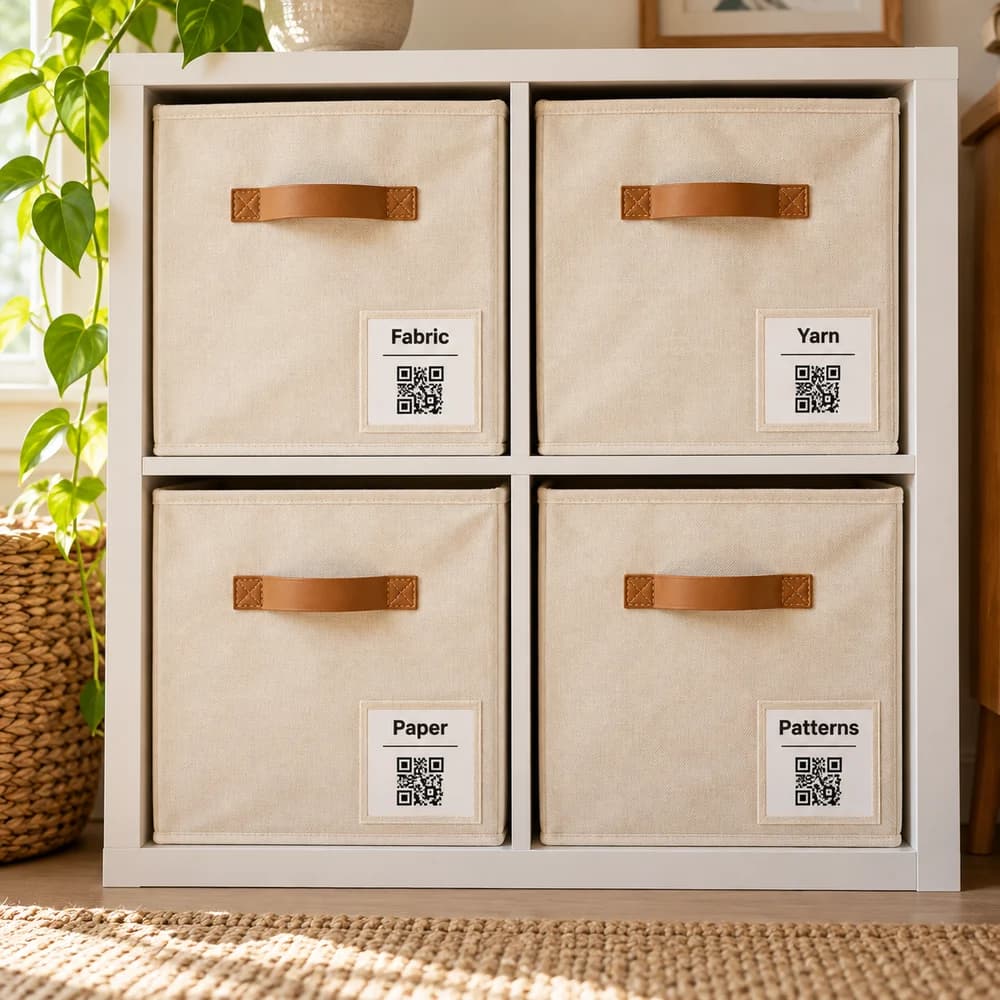
Which sections should a household binder contain?
Start with contacts, equipment, room specifications, and maintenance history. Add another section only when a real retrieval question does not fit those groups.
- Service contacts: provider name, contact details, service type, and the work actually completed.
- Equipment and documents: make, exact model, useful part specifications, and available receipts or manuals.
- Room specifications: verified paint codes, measurements, finishes, and dates of changes.
- Maintenance history and planning: completed work, supporting records, and a reference to where future tasks are scheduled.
It can be one binder, a few folders, or an index that points to item records. You do not need to duplicate every file in each format.
How do I create the first useful binder entry?
Choose one appliance or recent household project and finish its reference record. A complete useful entry teaches you more than a large set of empty tabs.
- Choose one future question. For example, “Which replacement filter fits this unit?”
- Identify the equipment. Record the exact model from its label when safely accessible, not just the brand.
- Verify the specification. Check the correct manufacturer’s documentation or the qualified service record rather than guessing from a similar unit.
- Save the evidence. Keep the relevant manual page, invoice, label photo, or measured detail.
- Connect the physical place. Record which room or storage place contains the equipment and any spare parts.
- Set a maintenance handoff. Put future work in your existing calendar using applicable manufacturer or professional guidance, then record completed work afterward.
For filing and verifying copies, see paper records and digital files.
Should my binder be paper, digital, or both?
Choose the format you can access where questions arise and update after work. A hybrid setup can help if the roles of the paper and digital copies stay clear.
| Format | Useful for | Upkeep to plan |
|---|---|---|
| Paper | Consulting records at home without a device | Place new records in the correct section and retain suitable copies elsewhere |
| Digital | Looking up a model or specification away from home | File naming, access, and a tested recovery copy |
| Hybrid | Retaining selected originals alongside portable reference copies | Mark the authoritative copy and avoid conflicting versions |
What would a useful appliance service entry look like?
In this worked example, a dishwasher service entry answers which appliance was repaired, who did the work, and where the supporting record lives. The details are illustrative.
- Equipment: Kitchen dishwasher, exact model copied from the unit label.
- Completed work: Service date and the work described on the provider’s invoice.
- Evidence: Invoice file and model-specific manual connected to the same equipment record.
- Contact: Provider details and any agreed follow-up.
- Location: Kitchen, with any spare part recorded in Utility Closet Drawer 2.
The owner verifies the saved file opens and puts any follow-up in the calendar. In Binly, the existing appliance item can hold relevant details and attachments; see item details and documents for the product workflow.
What makes a household binder hard to trust?
Old specifications, ambiguous model names, missing evidence, and unscheduled tasks make a binder less useful. Correct the entry tied to the real change instead of recreating the whole system.
- A paint name without its actual code or finish: record the verified product and project details.
- A generic maintenance interval: consult the applicable equipment guidance rather than copying a universal checklist.
- A task only written in a folder: schedule it in a system you actually check.
- Sensitive documents mixed into general sharing: keep an appropriate separate emergency records and access plan.
Binly remembers belongings and their current places. It can support the reference record without becoming a household task manager or a secure credential vault.
What are the most common questions?
These answers cover the practical choices you can make before expanding your setup.
Do renters need a household binder?
A small reference can help renters too. Keep relevant appliance information, permitted service records, and the appropriate property contact without assuming responsibility for every maintenance task.
Should contractor details be treated as recommendations?
Record the work and experience you actually know. A saved contact alone does not establish current availability, qualifications, or suitability for another job.
Can I use a spreadsheet instead?
Yes. It can suit a compact specification or service log. Make sure the associated documents and physical locations are still easy to retrieve.
When should I update the binder?
Update the affected entry after a purchase, repair, replacement, or room change. An occasional retrieval test can reveal stale details before you need them urgently.
Do I need to complete every section first?
No. Start with the equipment or project that creates the most repeated questions. Add details when they earn their place through actual use.
For current plans and limits, see Binly pricing.
What should I do next?
Choose one appliance or completed project and create a verified entry with its model or specification, supporting document, and physical location. Schedule any follow-up in the calendar you already use.
Start with one placeKeep reading: How to organize paper records, receipts, and digital files.