How to Use Binly · 4 min read
How to share Binly inventories and read-only links
Use an invitation when someone needs ongoing signed-in access to Binly inventories, choosing Viewer or Editor and the intended inventory scope. Use a read-only share link when someone only needs to view a record or collection. Check visible contents and protection settings, then test the link before distributing it.
This guide is for households, collaborators, and anyone sharing a list of belongings. You will choose an access method that fits the task without giving broader editing or inventory access than the person needs.
Should I invite someone or send a share link?
Invite someone for ongoing work inside the app; send a read-only link for viewing a particular shared destination. An Editor invitation and a public link have different permissions.
| Access | Use it for | Recipient experience |
|---|---|---|
| Viewer invitation | Regular browsing of selected inventories | Sign in with the invited account |
| Editor invitation | Helping maintain inventory records | Sign in; can add, edit, and archive within scope |
| Read-only link | Showing a record or collection | View without an account when public access is active; enter a password if required |
Sharing availability depends on your plan. Use Billing or Pricing to check current access rather than relying on an older plan comparison.
How do I invite a collaborator?
Open Tools → Invite, use the email the recipient signs in with, and select both a permission level and scope. Review the broader option carefully because it includes future inventories too.
- Enter the collaborator's email address.
- Select Viewer for browsing or Editor when the person should maintain records.
- Choose selected inventories, or deliberately choose all current and future inventories.
- Review the invitation and send it through the app.
- Have the recipient sign in with the matching email and check the intended inventory.
For a worked example, give a household member Editor access to Home if they will update moved belongings. Share Workshop separately only if they also need that inventory.
How do I create and test a read-only link?
Open the record or collection's sharing controls, activate the intended link, and configure any available protection. Test the resulting view while signed out so your owner access does not hide a permission problem.
- Inspect the destination's contents and the information a visitor should see.
- Use Share and activate the link if it is not active.
- Set a password when appropriate and save the protection settings.
- Copy the link, open it in a signed-out browser, and verify its scope.
- Send the verified link to the intended recipient.
A place or inventory link may expose contents within that destination. For a narrower curated list, consider a collection and review its membership and display fields.
Why share a Binly view instead of screenshots in a group chat?
A shared view points people to the saved records you maintain, while screenshots preserve only what was visible when they were taken. Invitations also let the appropriate people make changes in the same inventory.
For a worked example, a helper can open the shared Garage inventory and follow a tool's current saved path after you move it. A screenshot of last month's shelf cannot reflect that edit.
Screenshots still work for a single, unchanging question. A share link is more useful when people will return to the information, provided you keep the records current and understand who can access the link.
What should I check if sharing does not work?
Check the recipient's account, access scope, and link settings before recreating records. A scannable code or copied URL does not bypass the destination's permissions.
- Invitation missing: compare the invited email with the sign-in email.
- Cannot edit: verify that the role is Editor, not Viewer or read-only link access.
- Link unavailable: check whether it is active and whether a password is required.
- Access too broad: review current-and-future inventory scope before saving changes.
- Removing access: read the confirmation; removing a full-access collaborator can affect all shared inventories rather than only the one currently open.
What are the most common questions?
These answers cover the practical choices you can make before expanding your setup.
Does a public visitor need a Binly account?
A visitor can view an active public read-only link without an account. Password-protected links still require the configured password.
Can a read-only visitor edit an item?
No, the shared view is for reading. Give an appropriate authenticated Editor invitation when someone should change inventory records.
Does sharing one inventory share my whole account?
A selected-inventory invitation is scoped to the inventories you choose. The all-current-and-future option is broader, so check which option is selected.
Can I use a QR code to share access?
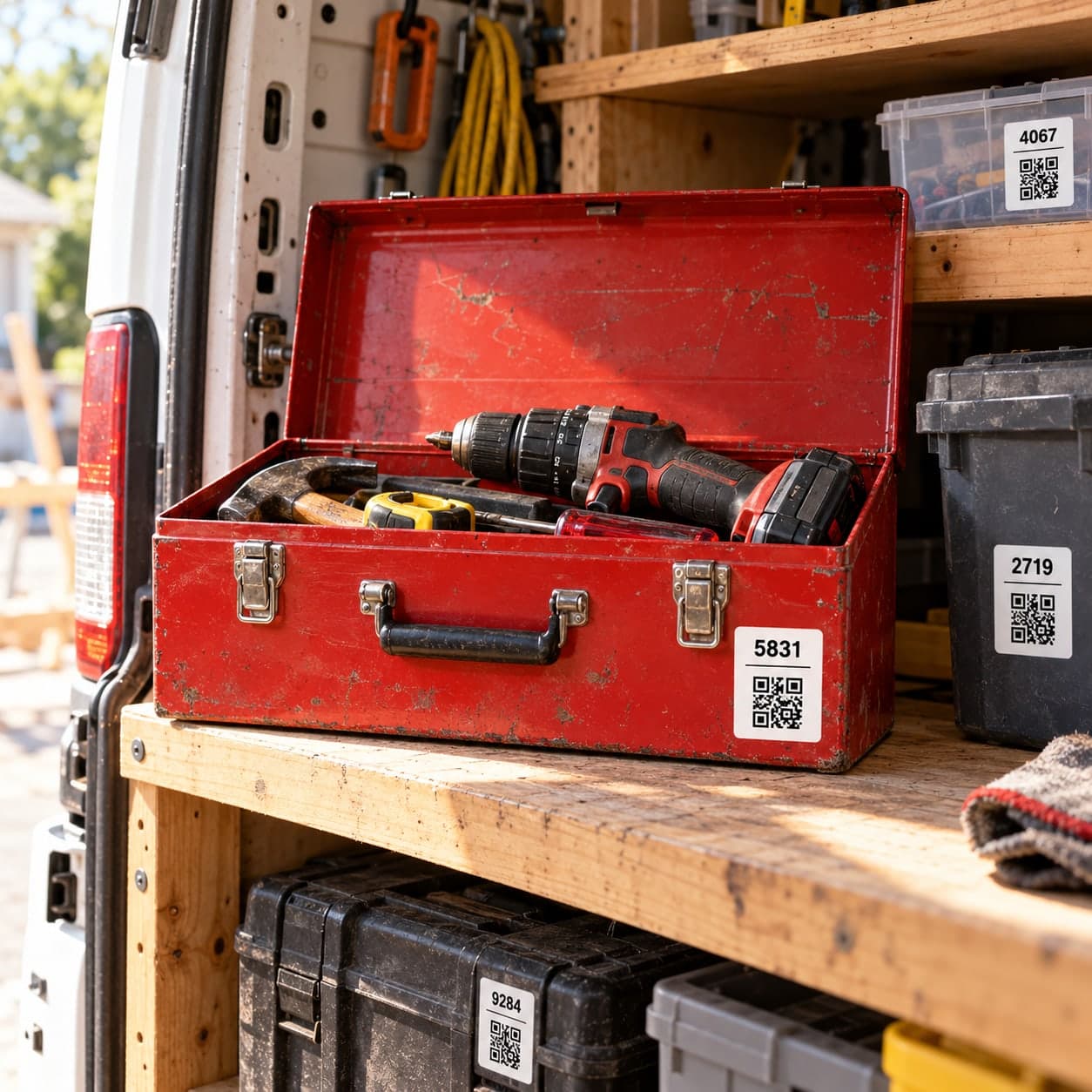
A QR code can open a shared destination. Its access still follows that destination's privacy and protection settings.
Should I give someone my login instead?
Use the invitation system for their own account. It lets you choose their role and scope and remove that access later.
For current plans and limits, see Binly pricing.
What should I do next?
Choose one inventory or collection, select the access method that matches the recipient's task, and verify the recipient view before sharing.
Start with one placeKeep reading: How to use tags, collections, and PDF lists in Binly.